
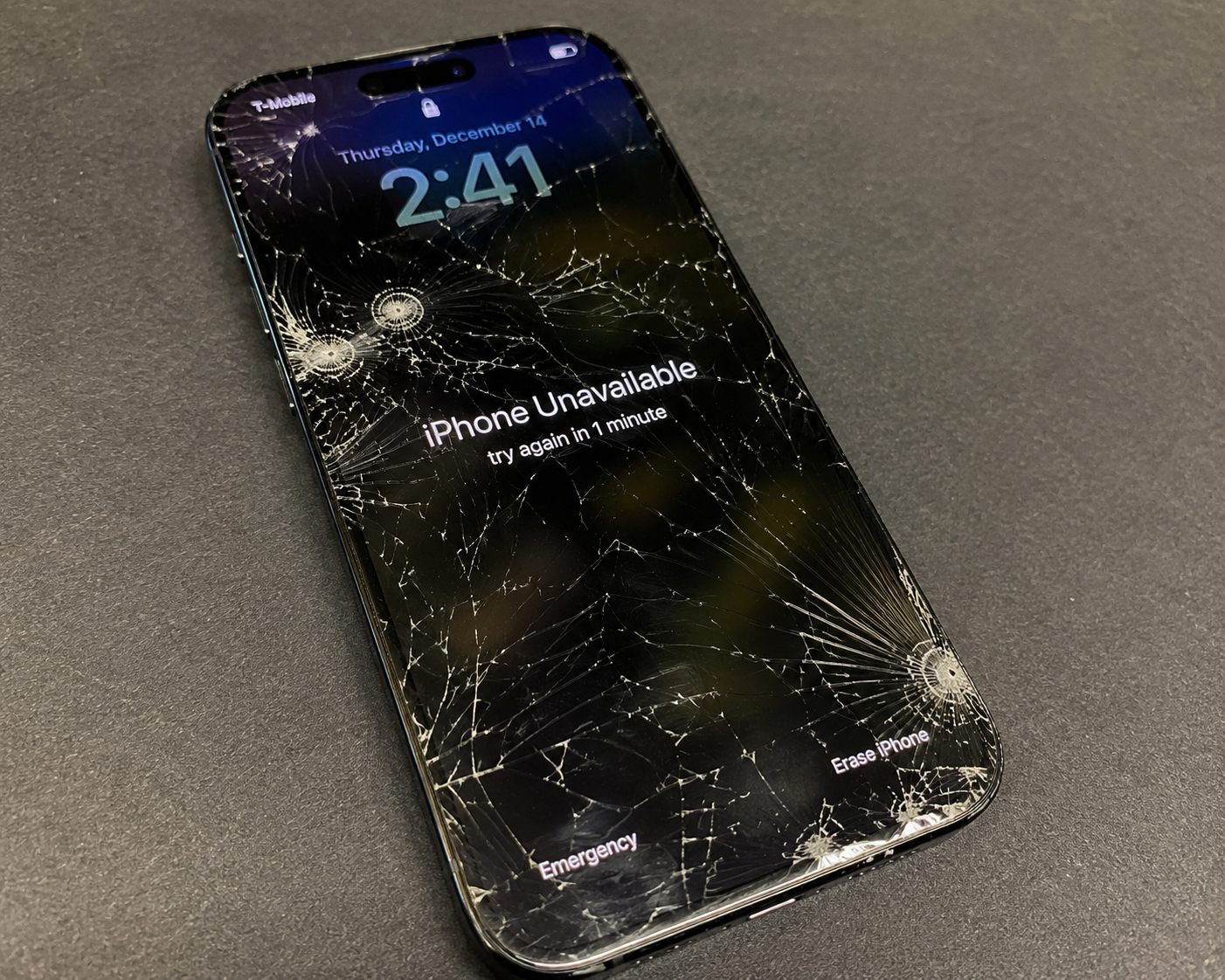

Mobile repair request
Tell us what happened before we head your way.
Send your contact info, device type, and issue details in one place so Fix It Mobile can review the problem, call you back, and move you smoothly into the mobile appointment process.
1
Send the details first
Share the issue, device type, and location so we can review everything before we call you back.
2
Send photos separately
Customers can text or email damage photos after submitting the request form.
3
We follow up clearly
After reviewing your request, we reach out with availability, pricing, and the best next step for service.
Send a repair request
Mobile phone and tablet repair service across the Twin Cities. We come directly to your home, office, or location for fast and professional repairs.
Share the basics here, and we will follow up with availability, pricing, and the best next step for your repair.